
Anytime you need support you can:
-
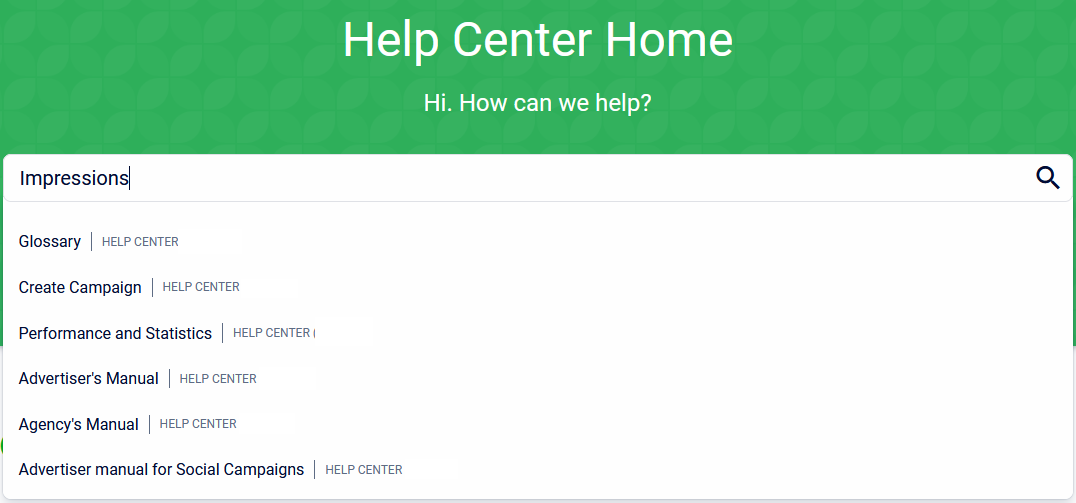
Use the search function in the Help Center.
-
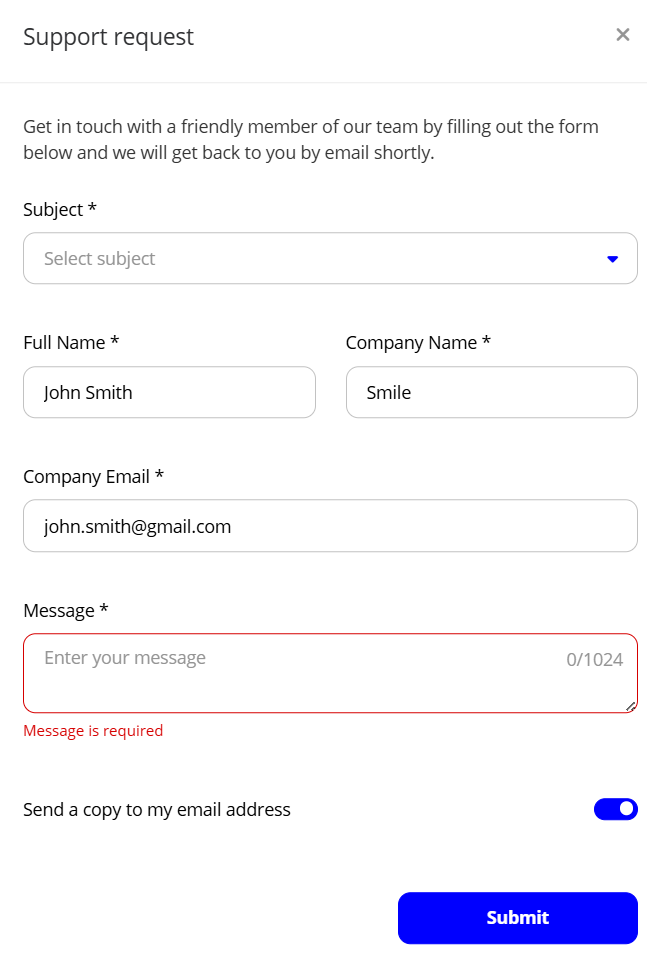
Send a Support request.
-
Email NCMSelfServe@ncm.com
Help Center
-
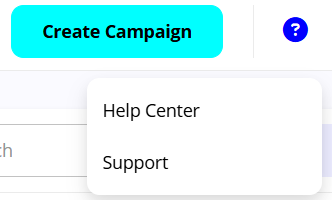
Select Help Center
This Help Center will look different depending on the platform you are using. -
Type something.
-
Select any of the results.
Support request
To send a support request:
-
Select Support from the top-right menu.
-
Fill in the form and Submit.
-
Your request will be handled as soon as possible by the Support-team.